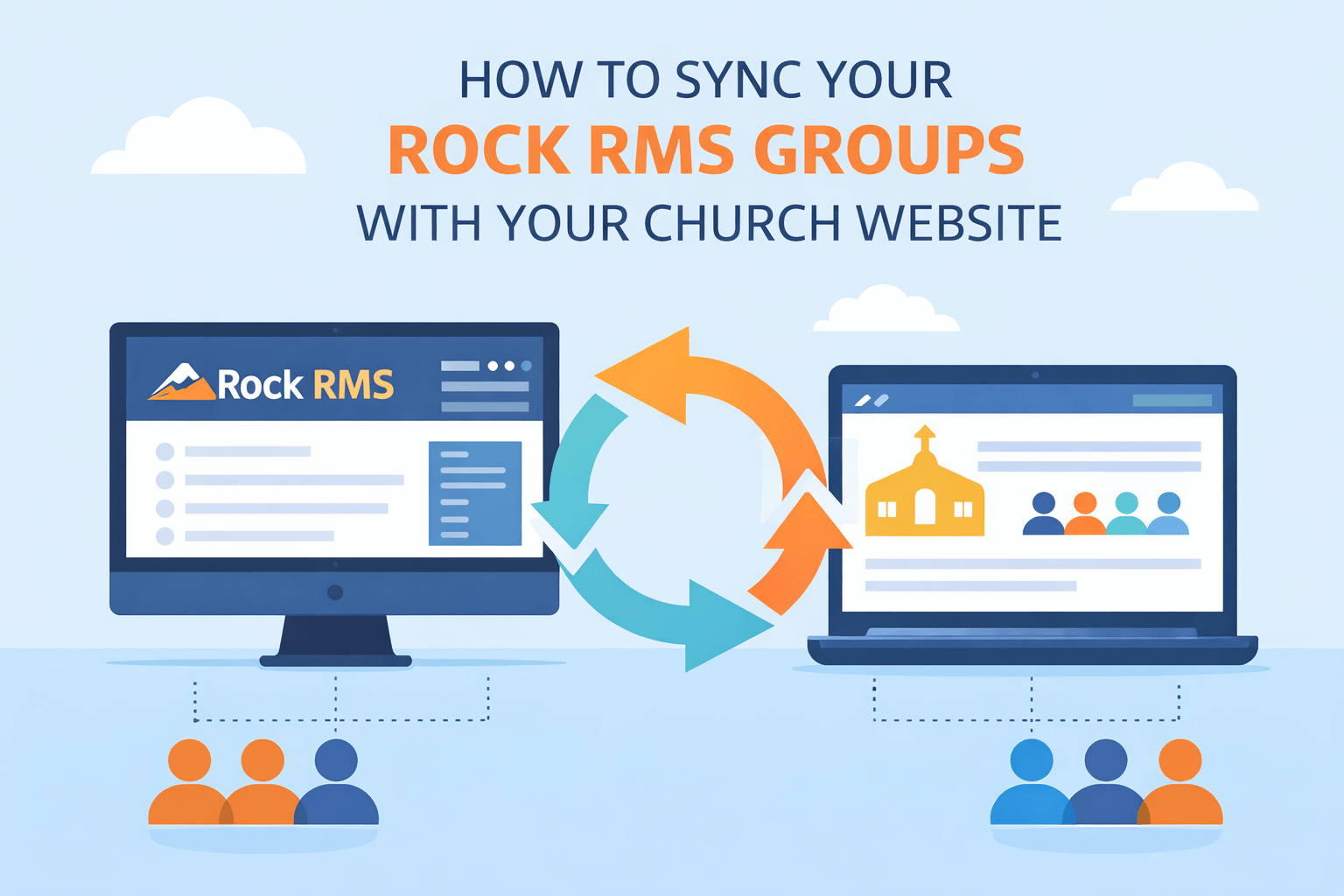
If your church runs Rock RMS, you already know how powerful it is for managing groups, events, and your congregation. But there’s a frustrating gap that almost every Rock church hits eventually: your RMS data lives in one place, and your website lives somewhere else entirely.
Your small groups list gets updated in Rock. Your website still shows last semester’s groups. Someone clicks to join a group that no longer exists. A new family can’t find the right community because no one had time to update the site.
Sound familiar? You’re not alone — and it’s not a people problem. It’s a tools problem.
Why Church Websites and Rock RMS Don’t Automatically Sync
Rock RMS is a robust church management system, but it wasn’t built to power your public-facing WordPress website. WordPress, on the other hand, is excellent at presenting content — but it has no native way to talk to Rock.
The result is two separate systems that someone has to manually keep in sync. That someone is usually a volunteer, a staff member juggling five other jobs, or a developer you call in every few months.
Manual syncing is slow, error-prone, and doesn’t scale. As your church grows and your RMS data gets richer, the gap between what’s in Rock and what’s on your site gets wider.
What It Looks Like When Sync Works
Imagine this instead: you update a group in Rock RMS — change the meeting time, add a leader, close enrollment — and within minutes, your website reflects exactly that. No logging into WordPress. No copy-pasting. No ticket to your web team.
Your groups page always shows live, accurate data. Families browsing your site see real availability. Leaders don’t get calls from people who signed up for a group that’s already full.
That’s what automatic Rock RMS sync looks like in practice.
The Key Data Points Worth Syncing
Not everything in Rock needs to be on your website, but a few data points make a huge difference for first-time visitors and families exploring your church:
Groups: Group name, description, meeting schedule, location, leader name, and open/closed enrollment status are all high-value fields for a public groups directory.
Events: Upcoming events with dates, times, registration links, and descriptions give visitors a real sense of what’s happening at your church week to week.
Daily Content: If your church uses Rock’s Daily Bible Verse or devotional features, those can be surfaced on your homepage or sidebar — keeping your site feeling alive without any manual effort.
How RMS Connect Handles the Sync
RMS Connect is a WordPress plugin built specifically for Rock RMS churches. It connects directly to your Rock instance via the Rock REST API and pulls your groups, events, and other data into WordPress on a scheduled basis.
- Install RMS Connect on your WordPress site and point it at your Rock RMS instance with your API credentials.
- RMS Connect pulls your Rock data — groups, events, content — and stores it in WordPress as native post types.
- Your site displays that data using the shortcodes and blocks RMS Connect provides, styled to match your theme.
- Rock updates sync automatically on whatever schedule you configure — hourly, every few hours, or daily.
Because the data lives in WordPress as native post types, it works with Elementor, Divi, Gutenberg, or whatever page builder you’re already using. You don’t need a custom theme or a developer to make it look good.
Setting Up Your Rock RMS Groups Directory
Step 1 — Configure your Rock connection. In the RMS Connect settings page, enter your Rock RMS site URL and your API key. RMS Connect will verify the connection and pull a list of available group types.
Step 2 — Choose which group types to sync. Not all groups need to be public. You can select just small groups, serving teams, or whatever subset makes sense for your site.
Step 3 — Add the groups directory to a page. Use the RMS Connect shortcode or Gutenberg block to drop a filterable groups list onto any page. Visitors can filter by campus, day of week, category, or topic.
Step 4 — Let it run. From here, your groups data syncs automatically. When a group leader updates something in Rock, it shows up on your site without anyone touching WordPress.
Common Questions
Does this require a developer? No. RMS Connect is designed to be installed and configured by a church admin or communications staff member with no custom code required.
What version of Rock RMS does it support? RMS Connect works with Rock RMS v14 and above.
Can we customize how groups are displayed? Yes. The plugin includes default templates, and developers can override them using standard WordPress template hooks for a fully custom look.
The Bottom Line
If your church is on Rock RMS and WordPress, you shouldn’t be manually maintaining two separate systems. The sync problem is solved — you just need the right tool to bridge the gap. RMS Connect is free to download and gets your groups syncing within an afternoon.
Graywell Tech builds WordPress tools for Rock RMS churches. Questions about setup? Schedule a free consultation.