
If you’ve ever gotten a quote for automation services and seen the word “Make.com” and not known what it means — this post is for you.
Make.com is the tool we use to build most of our automations. It’s worth understanding what it is, how it works, and why we chose it over the other options out there.
The Short Version
Make.com is a visual automation platform. It lets you connect almost any two apps or services and build rules for what happens when something occurs in one of them.
Example: When someone fills out a contact form on your website → add them to your CRM → send them a welcome email → create a task for your team to follow up in 3 days.
All of that can be one Make.com scenario. It runs automatically, every time, for every person who fills out that form.
How It Actually Works
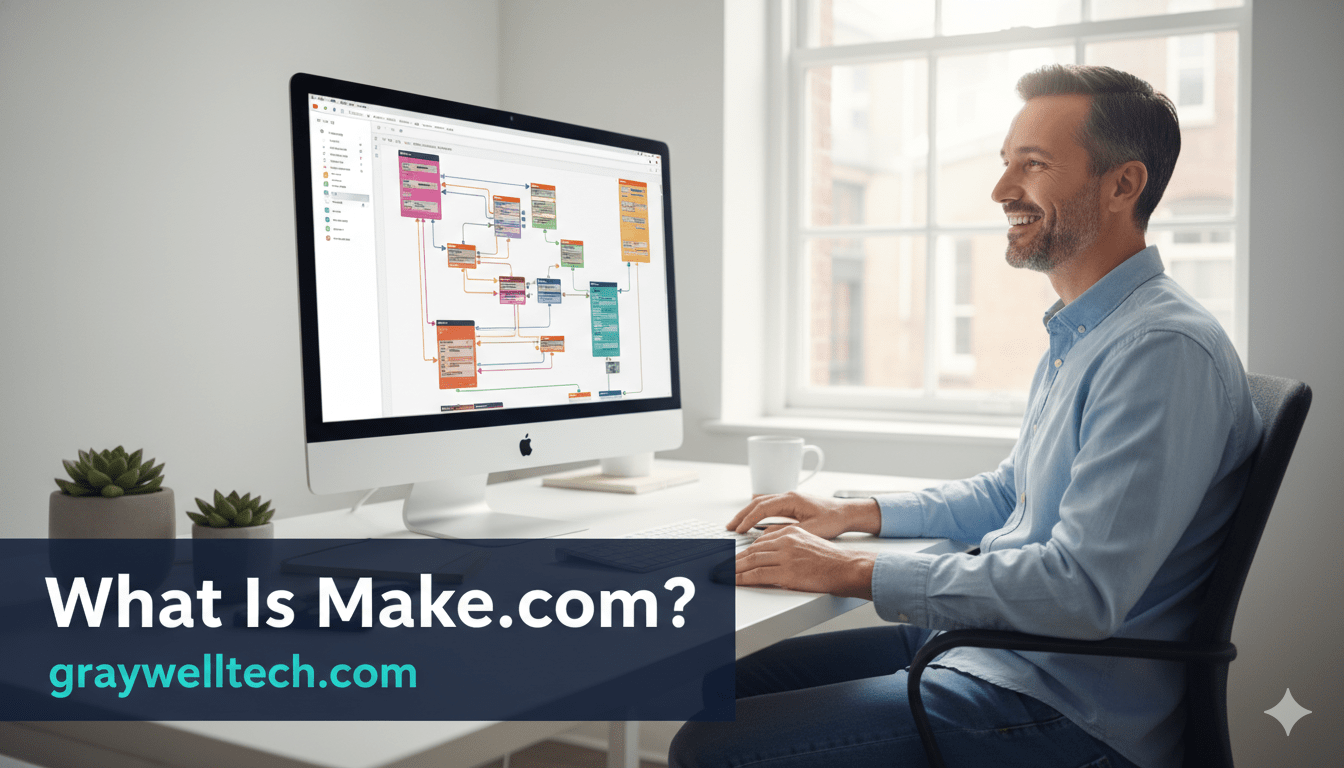
Make.com uses a drag-and-drop interface where you build “scenarios” — visual flowcharts of connected actions. Each step in the scenario is a module: one for the trigger (what starts the workflow), and one for each action (what happens next).
Here’s a simple example of what a donor follow-up scenario looks like:
- Trigger: Rock RMS reports a new financial transaction via webhook
- Filter: Check if this person has any prior giving history
- Branch A (first-time giver): Send a first-time donor thank-you email via Gmail
- Branch B (returning giver): Log a “giving received” note in Rock and close the loop
That’s it. It runs in the background, 24/7, without anyone touching it. More complex scenarios can involve AI decision-making (we use Claude for this), conditional logic, error handling, and loops that process hundreds of records at a time.
Why We Chose Make.com
There are several automation platforms out there. Zapier is the most well-known. n8n is popular in technical circles. Make.com hits the right balance for the work we do:
It’s powerful enough for real complexity. Unlike Zapier, which works well for simple one-step automations but gets clunky fast, Make.com handles multi-branch logic, iterators, and error routing without requiring you to write code. For church workflows that involve Rock RMS’s more nuanced data structures, that flexibility matters.
It’s visual. You can hand a Make.com scenario to a client and walk them through it on screen. They can see exactly what’s happening, in what order, and why. That transparency matters for organizations where multiple staff members might eventually need to understand or modify a workflow.
It connects to almost everything. Make.com has native integrations for hundreds of apps, plus an HTTP module that lets us connect to anything with an API — including Rock RMS, which doesn’t have a native Make.com integration but is fully accessible via its REST API.
It’s cost-effective at scale. For the volume of operations most small churches and businesses run, Make.com’s pricing is very reasonable — often a fraction of what equivalent Zapier usage would cost.
What We Connect It To
For churches, the most common connections we build are:
- Rock RMS ↔ Gmail — Trigger emails based on Rock data: giving events, group membership changes, attendance patterns
- Rock RMS ↔ Google Sheets — Export and organize data for reporting without manual exports
- Website forms ↔ Rock RMS — New form submissions automatically create or update Person records in Rock
For small businesses:
- Contact forms ↔ CRM — New leads flow into the CRM automatically
- CRM ↔ Gmail — Trigger email sequences based on deal stage or contact activity
- Calendly / booking tools ↔ CRM + email — Appointment events kick off confirmation, reminder, and follow-up sequences
- Stripe / invoicing ↔ CRM — Payment events update records and trigger next steps
Do You Need to Know How to Use Make.com?
No. That’s our job.
We design the scenario, build it, test it, and hand it off running. We document what it does in plain language so you understand what’s happening. Some clients want to learn how to manage their own scenarios over time — we’re happy to walk you through it. Others just want it to work and never want to think about it again. That works too.
Curious what a Make.com automation could look like for your church or business? Schedule a free audit — we’ll show you exactly what we’d build before you commit to anything.