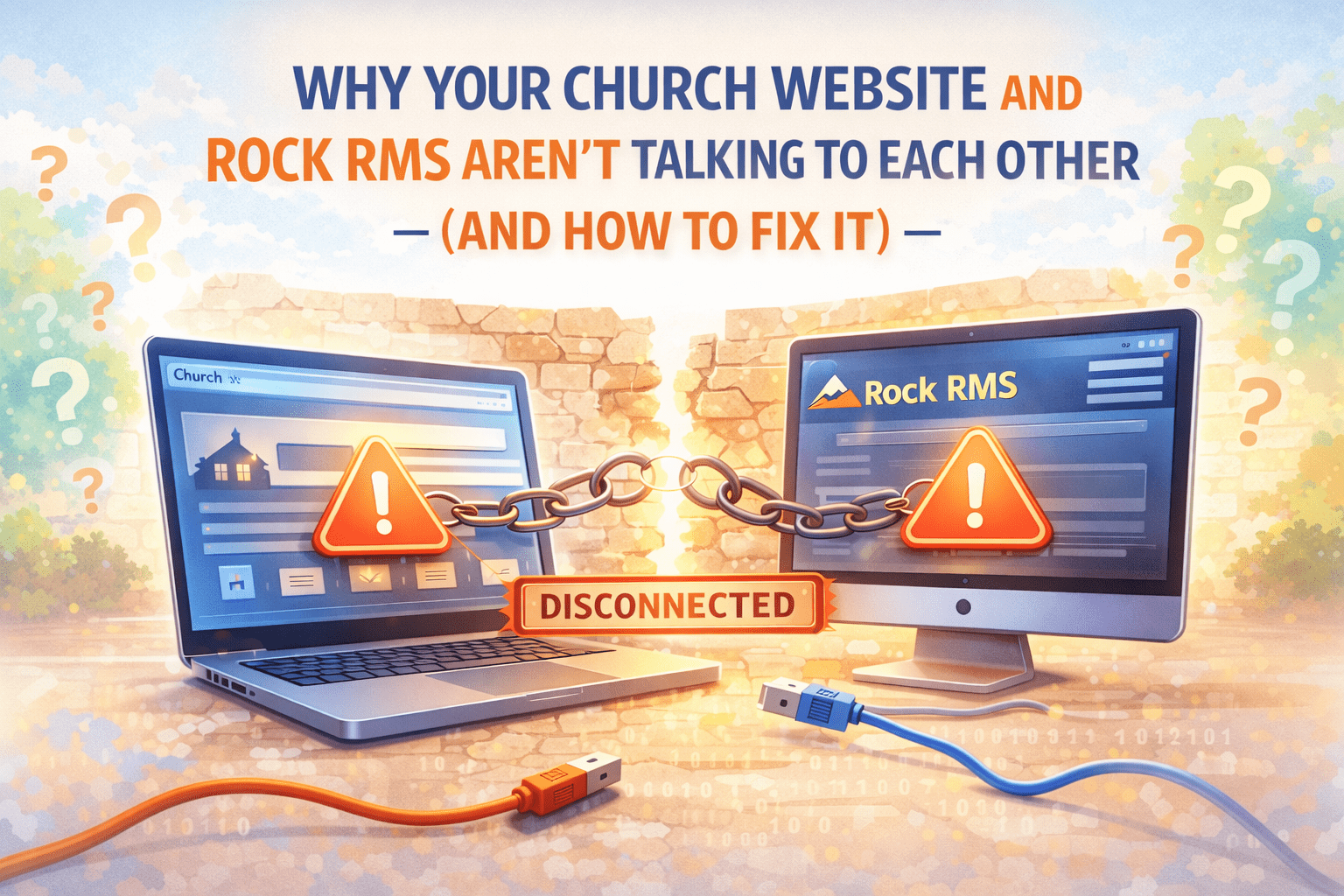
You made a serious investment in Rock RMS. It’s running your groups, tracking your congregation, managing events, and storing years of relationship data. Your WordPress site is out there representing your church to thousands of visitors every month.
But here’s what’s almost certainly true: those two systems have never once communicated with each other.
Your website doesn’t know what’s in Rock. Rock doesn’t know what’s on your website. And every week, someone on your staff is manually bridging that gap — copying event details, updating group listings, checking that nothing is embarrassingly out of date.
This is the Rock RMS / WordPress disconnect, and it quietly costs churches more than most realize.
The Gap Nobody Talks About
Church tech conversations tend to focus on two things: which ChMS to choose, and how to build a good website. What gets less attention is what happens after you’ve done both — when you have a powerful church management system and a well-designed website that simply don’t talk to each other.
The gap shows up in small, grinding ways:
A family visits your website on a Sunday afternoon looking to join a small group. They browse your groups page and find one that sounds perfect — but it filled up three weeks ago. Nobody updated the site.
Your communications coordinator spends 45 minutes every Monday copying this week’s events from Rock into WordPress. She’s been doing it for two years. It works, but it’s not a great use of her time.
A new family asks your connection pastor how to find a group. He tells them to check the website. The website has groups that no longer meet and is missing three that started in September.
None of these are catastrophic. But together, they add up to a church website that works against your connection goals instead of supporting them.
Why the Disconnect Exists
Rock RMS is a powerful ChMS, but it was designed to manage your congregation — not to power your public website. It has a REST API, which means it can share data with other systems, but that connection doesn’t happen automatically. It requires something in the middle to make the two systems talk.
WordPress, on the other hand, is excellent at presenting content to the public. It’s flexible, well-supported, and your communications team probably already knows how to use it. But out of the box, it has no concept of Rock RMS, groups, or church management data.
The gap exists because these are two genuinely different tools built for two different jobs. Neither one is failing — they just don’t come with a bridge between them.
What the Fix Actually Looks Like
The solution isn’t to abandon either system. Rock is too valuable to replace, and WordPress is too well-suited for public content to swap out. The solution is a bridge — something that sits between the two systems and keeps them in sync automatically.
That’s exactly what RMS Connect does.
RMS Connect is a WordPress plugin that connects to your Rock RMS instance via its REST API. Once it’s set up, it pulls your Rock data — groups, events, daily content — into WordPress on a regular schedule and makes it available to display on your site.
You update something in Rock. RMS Connect picks it up. Your website reflects it. No one has to touch WordPress.
What Gets Synced
Small Groups and Group Types. Your groups directory becomes a live reflection of what’s actually available in Rock — with accurate enrollment status, meeting times, leader information, and category tags. Visitors get real information, not stale data.
Events. Upcoming events sync from Rock to your WordPress events section. When something is added, changed, or cancelled in Rock, the site updates to match.
Daily Bible Verse. If your church uses Rock’s Daily Bible Verse feature, it can surface automatically on your homepage or sidebar — keeping your site feeling current without any manual updates.
What This Frees Up
The immediate, practical benefit of syncing Rock and WordPress is time. The 45-minute Monday morning copy-paste session goes away. The “can you update the groups page?” Slack message doesn’t need to get sent. The volunteer who’s been manually maintaining your events calendar can focus on something that actually requires a human.
But there’s a bigger benefit that’s harder to measure: trust.
When your website accurately reflects your church — current groups, real events, honest information — visitors trust it. They use it to make decisions. A family searching for community on a Tuesday night can find what they’re looking for and show up Sunday because the information was right.
That trust erodes fast when the site is out of date. People stop checking it. They go to Facebook instead, or they call the church office. Your website stops functioning as a connection tool and becomes an obligation to maintain.
Accurate data restores that trust. Automation is how you keep it accurate without burning out your team.
Getting Started
Setting up RMS Connect takes an afternoon, not a sprint. You install the plugin on your WordPress site, connect it to your Rock instance with an API key, choose which data to sync, and add the groups or events displays to your pages.
No custom development required. No new platform to learn. Your team keeps working in Rock exactly as they always have — the sync just happens in the background.
The free version covers groups and events sync for most churches. If your needs grow — multiple campuses, custom field mapping, advanced display options — there’s a Pro plan that handles the complexity.
If your church is running both Rock RMS and WordPress and they’re not connected, you’re doing twice the work for half the result. The fix is simpler than you think.
Graywell Tech builds WordPress tools for Rock RMS churches. We’re the team behind RMS Connect — the only plugin purpose-built to keep your church website in sync with your RMS. Schedule a free consultation if you’d like help getting set up.